

AI is here to stay - that's good for designers
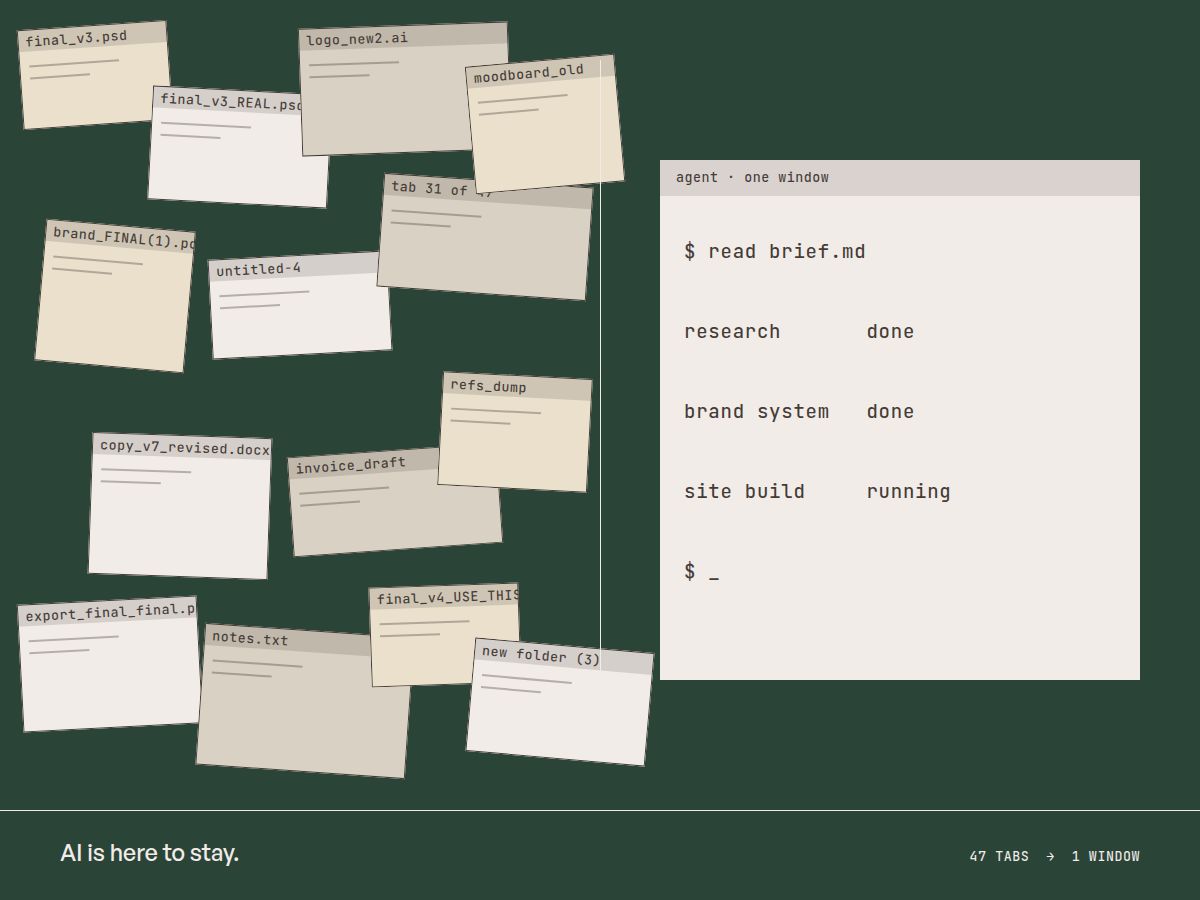
You can't hide from the future, only embrace it
Whether we like it or not, AI is the future. Right now, we're in the middle of that messy period where landscapes and markets change. Job titles evolve or get new meanings and people adapt. Or they don't.
I am pro AI, I use it everywhere I can reasonably, and I think the future it holds, specifically for designers, is positive. But that doesn't mean it's gonna be a clean transition. Design will still be alive in 3-5 years from now, but I really can't say what the job and its responsibilities will look like.
It's not that intimidating
There's a prevailing air of intimidation and apprehension about AI for designers. Comments and posts asking if they need this or that course to incorporate it, or the ever so present "Design is DEAD" post. It's been shouted since 2022, and it's mostly engagement bait, trying to activate people's threat response systems.
Designers are adaptable people, you learned Adobe's creative suite. You probably learned Figma. These are all infinitely harder to get started in than using AI to supercharge your design business. You can do it, trust me.
There's a cost
AI is a bringer of change, but it has true costs to use. It degrades the skills you put it in charge on. To use AI effectively, is to manage what we let it do for us, what we do together with it, and what we keep to ourselves.
A quote from the awesome Blair Enns' AI Manifesto summarizes it beautifully:
"We will accept that whatever function we delegate to AI is a function or skill that will atrophy in ourselves or our team."
Two big ideas
Design in the AI era hinges on two big concepts. The first is consolidation, moving from having a dozen tabs, with multiple programs and sites open to having those same tools available to you at your demand.
The second concept is expansion, expanding the skillset you currently have and delegating busy-work to AI. This looks like connecting a video or image generator to your chosen AI chatbot and using it to take care on the management side - neatly organized folders, file exports, cataloging.
What it means in practice
An efficient AI workflow for designers starts with consolidating, and the choice of a new work environment in the form of a Coding Agent of your choice. It can be Claude, ChatGPT, Gemini, Grok or even something like Deepseek or Kimi. The only stipulation is running it locally. This allows us to manage projects, organize folders, and keep the AI's knowledge contained per project.
This is what I call "Setting up your command center." Next up, I'll walk through how to actually build it. We'll use Claude as the baseline, but the logic stays the same no matter which model you run.